You’re just about to remind your team to complete the employee survey when someone says, "Is this survey actually anonymous?"
Someone knows or suspects that the system knows who has submitted their responses, because they’ve seen a manager chase down non-respondents by name.
Someone remembers a story they shared coming back to them and wonders how that’s even possible.
Or maybe someone received a personalised link to the survey and they’ve drawn the obvious conclusion.
Even though your team’s survey report may not include names, in a small team of six people everyone knows who thinks what, making it feel like a roll call.
Obviously, telling your team to ‘trust me’ won’t help. And giving an inaccurate ‘yes’ is worse than an honest ‘it depends’.
Before you answer your team, you need to understand a few things:
- The steps the survey taking process uses to separate your identity from your answers
- What data is imported from the HR system
- How your team’s survey report can be filtered
What managers can and cannot see, and how to explain this to a skeptical team
Find out what happens to an answer
Do you know what happens to an employee’s answer after they submit it? Where the link between their token and who they are is stored? What metadata is stored with their response?
Who can see raw responses before they are aggregated?
Before you send out your next reminder, ask your HR team or your provider the following questions:
- Is the link between the personal link and the individual stored separately from the responses, and who can see this - the vendor? An HR admin? Both?
- Does the system store any data such as IP addresses, device information or timestamps of when responses were sent? (A timestamp alone can link a specific person if, for example, you know someone sent their response 10 minutes after you mentioned the survey to them)
- What demographic attributes are taken from the HR system and how granular is the HR data? (For instance, could someone be identified by combining tenure bands, grade, and site? Could the "less than 6 months" band identify someone if there’s only one new employee on a team?)
- Does the minimum group size rule apply to all questions, comments, and filters? Could someone use two overlapping filters to view responses in a small group?
- Will the survey language be taken into consideration when filtering? If only one person at a site completes the survey in Portuguese and the results can be filtered by language, could this lead to the identification of that single individual?
- Who can see raw comments before reports are distributed? Will these comments be distributed as is or will they be redacted or summarised?
- Do employees have the option to skip questions? Do demographic questions offer a "prefer not to say" option?
Once you have answers to these questions, get them in writing. Most privacy notices are meant for legal teams, not employees, so ask your survey owner for a privacy notice in plain language that you can share with your employees.
It may also be helpful to prepare an answer to questions like this:
"Will IT be able to see this since I’m using my work laptop?"
Be honest. It depends on whether your organization uses network monitoring. Your company logs might capture that a device visited the survey site on a specific IP address, revealing that the employee took the survey, but not what they answered.
If you expect employees to be concerned about this, you’ll want to have a conversation about taking the survey on personal devices so you can include this information in your survey invite.
Why is it important to give clear answers to questions like this? The employee engagement research team at Gallup says that the manager is responsible for most of the engagement gap between teams.
Is it anonymous? Or confidential?
Be sure you’re using the right term for your employee surveys.
Anonymous
In a truly anonymous employee survey, no one - not even the vendor - can link answers to a person.
Confidential
In a confidential employee survey, the answers are linked to a person somehow, but the information is restricted from use by specific people.
Most enterprise surveys are confidential for good reasons.
They have to be, so they can pull demographic information from the HR system and look at trends over time.
Truly anonymous surveys rely on self-reported demographics. When employees worry they’ll be identified, they tend to skip or inaccurately fill demographic questions. This compromises the very breakdowns you want.
It’s not just about building trust. Confidential (or pseudonymised) data is still considered personal data under GDPR, so referring to confidential employee surveys as "anonymous" can lead to compliance issues. This is why many privacy teams prohibit the use of this word in survey communications.
There is some debate within the employee experience community about how strict you should be about this. Some people suggest that "anonymous to your manager" is acceptable. Others say any qualified use of the term "anonymous" will lead to follow-up questions the survey team can’t answer.
Check in with your privacy team before you move forward.
And keep in mind that the workplace research team at Gallup consistently finds that only a minority of employees strongly agree that their opinions count at work. Don’t give them another reason to zip it by getting your privacy wording wrong.
What do I say when someone asks me?
If you have confirmed that your survey is fully anonymous, you can assure people that their responses are anonymous, but also give them a way to confirm this for themselves.
"No one, not even the provider, can link your responses to your name. I only receive groups of results with the minimum number of responses. I can’t see who chose what answer. I’ll send you the privacy information, so you can check it yourself."
If your survey is confidential, the best response lets people know who can see their information and what they can and can’t do with that information.
"Technically, the provider and one admin in HR can link survey responses to people. I can’t. I only get group results and only groups with the minimum number of responses.
Here’s who the admin is and what they can and can’t do with that access."
If you aren’t sure about the privacy level of your survey, it’s best to be honest. Once you’ve received the necessary information, you can distribute the survey.
"I’m not sure whether the link stores any information other than whether you’ve completed the survey. I’ll find this out and get back to you before asking anyone to fill out this survey."
Be sure to provide a date by which you’ll follow up, and stick to it. A "let me find out" with no follow up can be perceived as avoidance.
Keep in mind that the fear of repercussions is not unfounded. Research from the Ethics & Compliance Initiative has repeatedly shown that a substantial share of employees who report misconduct experience retaliation.
And while an engagement survey is not a misconduct report, people will bring the same calculus to both activities. As James Detert explains in Choosing Courage, people evaluate the risk of speaking up based on what happens to others, not what leaders say they welcome.
What if the answer is "not completely"?
Sometimes, even with the best intentions, you may not be able to provide your team with a convincing privacy and confidentiality assurance.
For instance, if the minimum number of team members for a separate report is 5, it’s impossible for a team of 4 to receive their own report. Even if your survey tool reports on the parent team level, this is only confidential if the parent team doesn’t have multiple other teams that can be viewed separately. If there are other teams within the parent, a viewer could subtract the other teams from the parent team to view the hidden team’s results.
Ask your survey owner if your survey tool accounts for this before providing an explanation of the roll-up to your team.
Is this okay? How do we explain this to teams?
Suppose your team is smaller than the minimum. You don’t want your employees to log in and expect a team-exclusive report only to be disappointed. That’s worse than knowing from the start that "our team won’t get its own report. Your answers will be included in the results for the larger department."
In addition, if employees are planning to submit any open-ended comments, there’s another issue to flag. A comment that references a conversation at the last Tuesday’s stand-up, includes a favorite phrase, or uses a particular writing style could easily identify the employee.
Some organisations require a higher minimum number of employees in a team to report on comments than they do to report on employee scores. Some organisations choose to summarize comments by theme instead of providing the comments word for word.
There are differing opinions on this method within the employee survey community. Some people believe that providing word-for-word comments is more helpful and beneficial for employees, since it demonstrates that the employees’ words and sentiments were not edited. Others believe that summarizing comments provides better protection for employees, even if it gives the appearance of the company softening the criticism.
If your organisation plans to give teams the opportunity to view open-ended comments verbatim - even if it’s a small team - it’s even more important to flag this to employees.
"When the report is generated, your name will not be attached to the report. But if you make a very specific comment that can identify you, you may want to consider leaving the comment box blank or making a more general comment."
It’s important to strike a good balance between alarming your employees and handing over all responsibility for maintaining their privacy.
You also want to make sure that any options you provide are actually possible. For instance, if your survey questions cannot be skipped or open-ended comments are mandatory, don’t suggest that they can be omitted if they aren’t comfortable.
On the other hand, you can remind employees of other pathways they can pursue, such as speaking to HR. Be sure to clarify that this isn’t an anonymous conversation and that some "confidential" reporting channels may have mandatory reports (e.g. if there are reports of harassment or safety issues).
And if you find out an employee survey was represented to employees in a more generous way than it was designed to provide, bring this to the attention of your survey owner so it can be updated before the next employee survey reminder goes out.
How Sparkbay can help you explain what managers see
With Sparkbay, you can easily check the reporting rule to confidently answer your team’s questions. We hide results for a group of people below the minimum number of responses (default is 5, but your organization can set a different minimum).
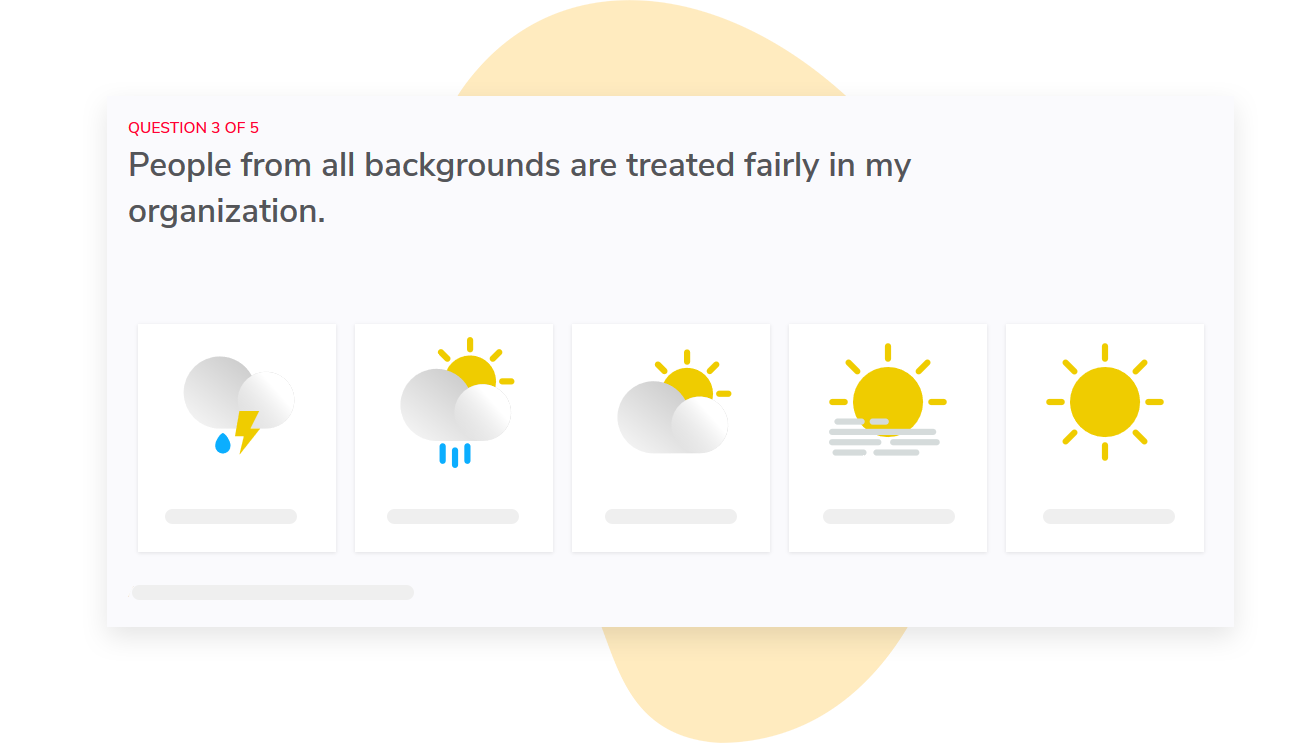
We recommend that you ask your survey administrator to share what questions and report have been configured for your organization. We provide organizations with the ability to customize the wording of survey questions and what shows up on their dashboards, so it’s important to share details of your specific setup.
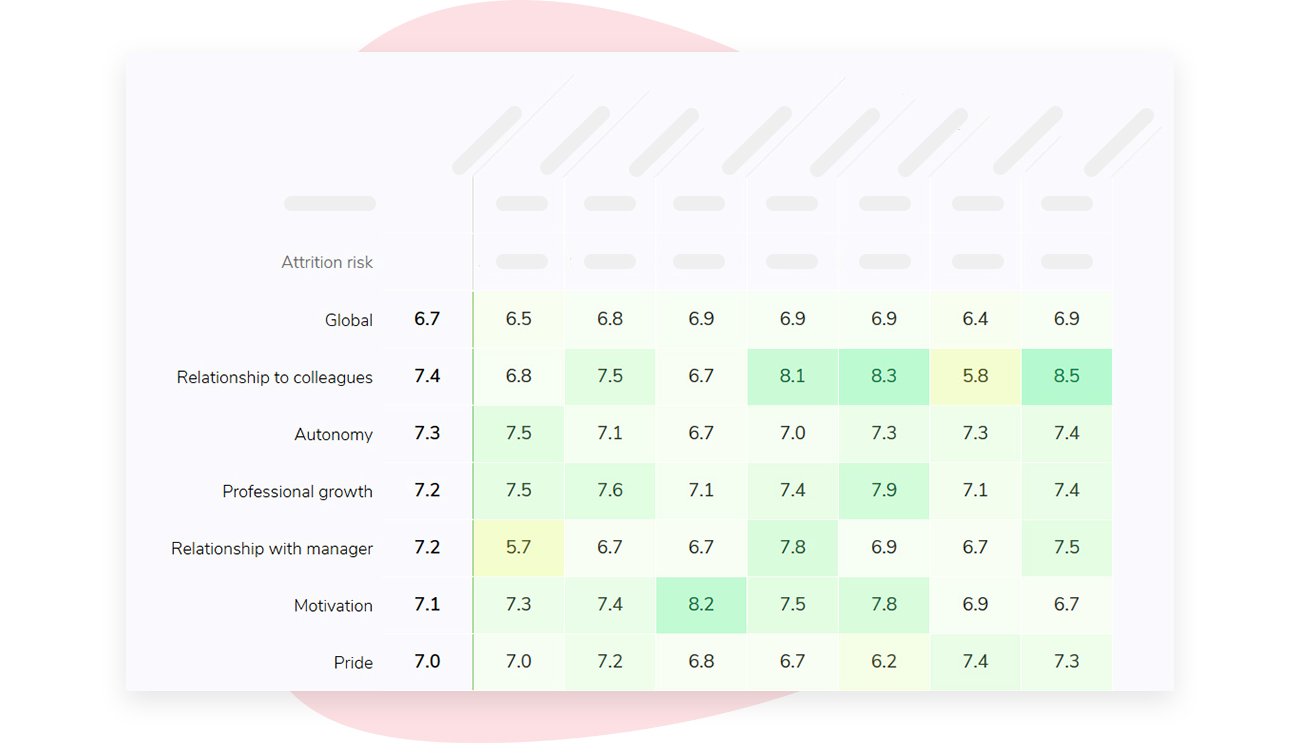
In a large organization, access levels are important. We use your organization’s org structure to manage report access, so managers only see results for their own teams. If someone asks you what another department manager can see, you should verify the access setup with your survey owner before providing an answer.
If you’re interested in learning how Sparkbay can help you build a more engaged workforce, you can click here for a demo.
If you’re interested in learning how Sparkbay can help you build a more engaged workforce, you can click here for a demo.