
Employee surveys that fit around patient and client care
Nurses, care aides, social workers and support staff answer on their phone or a unit tablet, whatever their shift. Results by facility, unit and job title show where to act, without exposing anyone.
See in action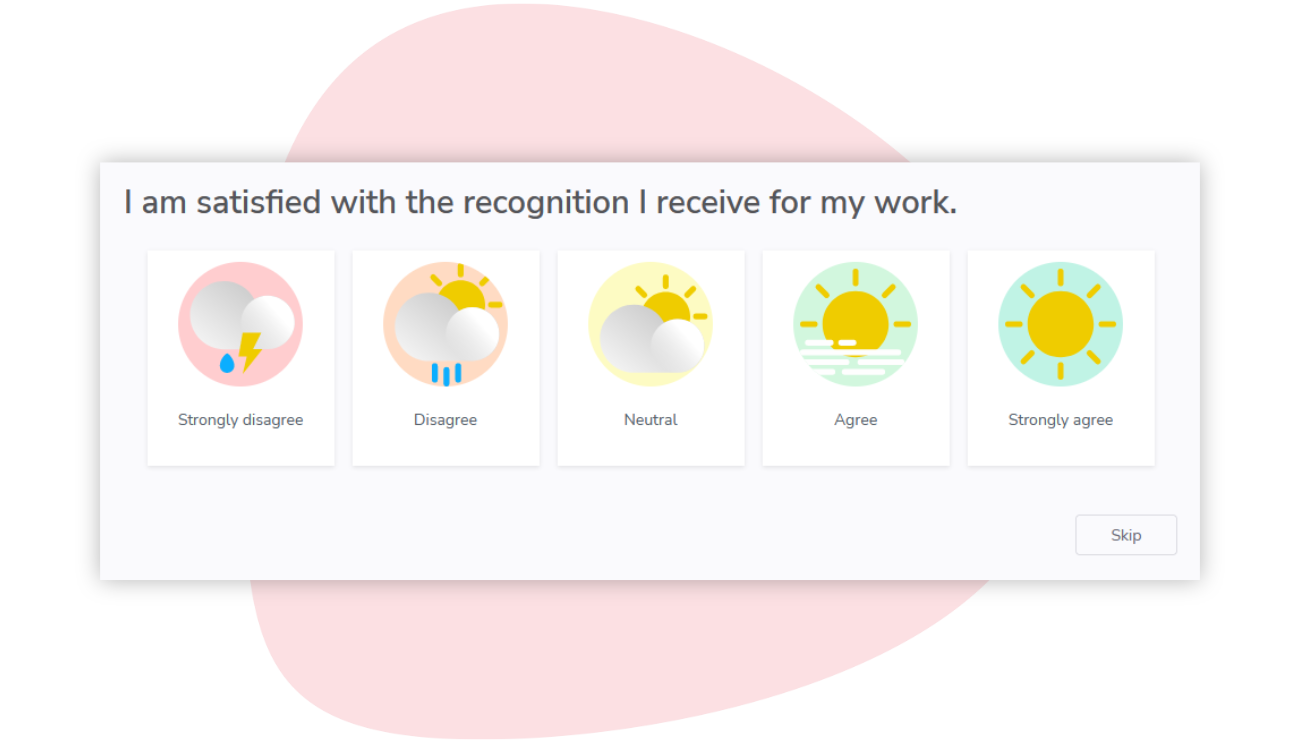
Care does not stop for a survey
Nobody steps away from a patient or a client to answer a questionnaire. Staff answer in a quiet moment of their shift, if the survey reaches them at all.
Three shifts, always on the move
Day, evening and night teams rarely cross paths, and their shifts are spent at the bedside, in ambulances or in clients' homes. A survey sent only to work inboxes misses many of them.
Many sites, units and job titles
Hospitals, clinics, residences and community services each have their own units and job titles. A struggling unit can hide behind a reassuring average.
Shortages, overtime and burnout
Every vacancy means overtime for someone else. Exhaustion builds quietly and often shows only when sick leave rises or people resign, by which time the team is already stretched.
How Sparkbay helps health and social services
Evening and night staff answer when their shift allows, not just on the day the survey goes out. Results then go where they help: the full picture to HR, each team's results to the managers you choose.
See the unit behind the average
Put nurses next to care aides, or the emergency department next to long-term care, on the same engagement drivers, personal wellbeing included. The heatmap also shows each group's participation and turnover risk.
An AI summary can sort a busy unit's comments into a few themes, citing the comments behind each point. It appears only for groups with enough commenters.

Assess, act, reassess
The routine of a care plan, applied to a unit. A head nurse or team leader can start from the unit's lowest-scoring questions, three at most, each with advice, and turn them into an action plan with due dates.
Then reassess: the next surveys show whether the unit's scores move.

Every employee can answer
Use one channel or combine them, so people with and without a work email can all take part.
A personal link in their inbox. No password to remember.
Text message
A survey link by SMS, opened on their phone.
Kiosk or QR code
A shared tablet on site, or a printed QR code they scan with their phone. They enter their employee number to answer.
A survey your teams can trust
ISO/IEC 27001 certified
An independent certification body audits our information security management system.
Anonymous by design
No result appears for a group below your anonymity minimum, 5 respondents by default. Its answers still count in the larger groups above it.
Privacy laws
Sparkbay complies with Quebec's Act to modernize legislative provisions as regards the protection of personal information (Law 25) and the General Data Protection Regulation (GDPR).
13 languages
Employees answer the survey in their own language.
Frequently asked questions
Can night-shift staff answer the survey?
Yes. The survey goes out at the local hour you choose and stays open for the whole survey period, not just the day it is sent. Staff answer when their schedule allows, on their phone or a unit tablet. Up to three reminders can follow.
What if our staff rarely check their work email?
Staff with a mobile number on record can get their link by text message. Others use a shared unit tablet or scan a printed QR code, then enter their employee number. The kiosk link stays valid between surveys, and we can set up one per site.
Can we compare job titles without exposing anyone?
Yes, when job title is in your employee data. A job title with fewer respondents than your anonymity minimum, 5 by default, shows no result, and its figures never reach the page. Those answers still count in larger groups, such as the unit or facility.
What can we tell our unions about anonymity?
That results only appear for groups, never for one person. A small night team below your anonymity minimum shows no result, comments appear without names, and PowerPoint exports and printable reports follow the same rules. Our security page explains how the data is protected.
How do results reach unit managers?
Each manager you give access to gets a dashboard for their teams: results, the questions to work on first with advice, focus groups and action plans. Access can follow your org chart, and you can adjust it. Managers can also get a monthly team report by email.