
Survey school staff between report cards and exams
Reach teachers by email, and staff without a work email by text message or at a kiosk. Compare your schools, and let each principal see their own school's results.
See in action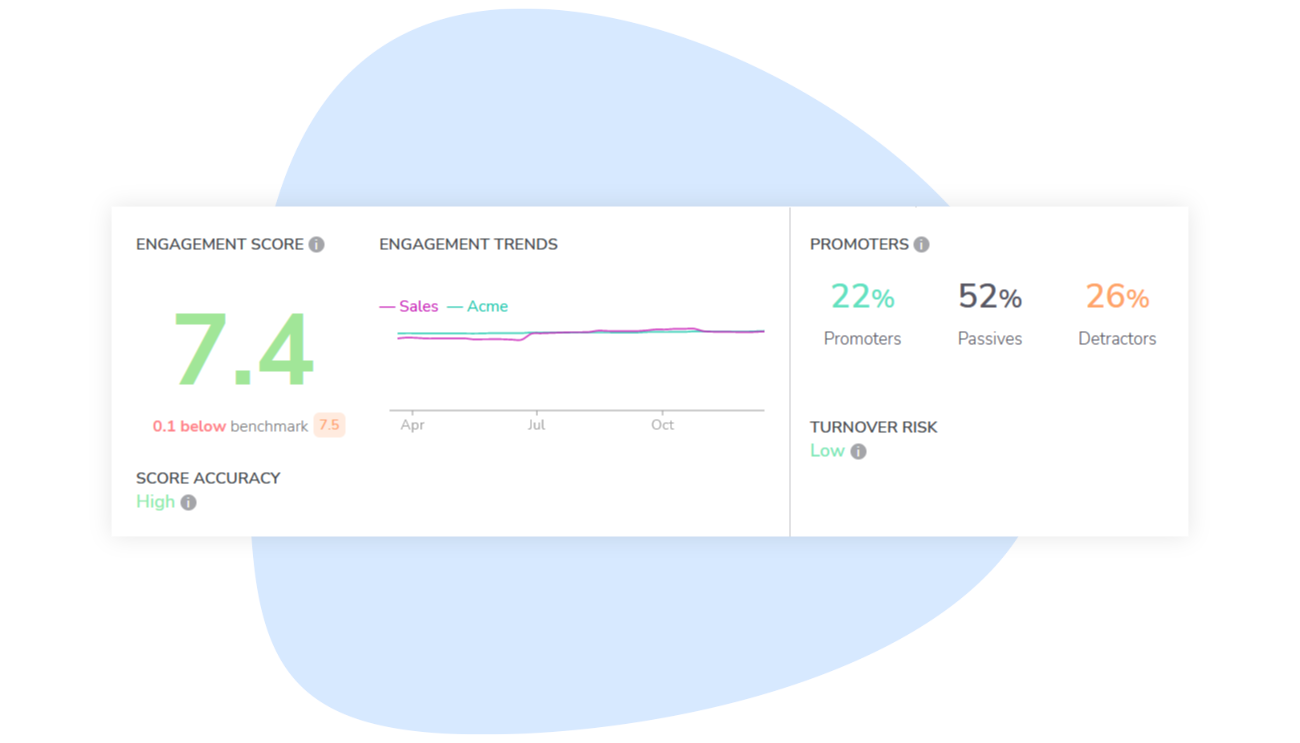
The school year was not built for surveys
Schools run on a tight calendar, across many buildings and job categories. A survey has to fit the calendar and show each school its own results.
A calendar with few quiet weeks
Back-to-school, report cards and exams follow one another, and most staff are away in summer. A survey sent in the wrong week gets few answers and mostly measures fatigue.
Not just teachers
Daycare educators, classroom aides and custodians keep each school running, many of them away from a computer. Leave them out, and your results speak only for the teachers.
Heavy workloads, careful unions
Workload and burnout are often what staff most want to raise, but not before their union knows whether a principal could link an answer to a teacher.
How Sparkbay helps schools
Sparkbay fits the survey into your school year, and shows whether a concern belongs to one school or to all of them.
Surveys timed to the school year
Run a pulse survey every few weeks or months, and pause it for exam periods or the summer break. Then pick the date of the next survey.
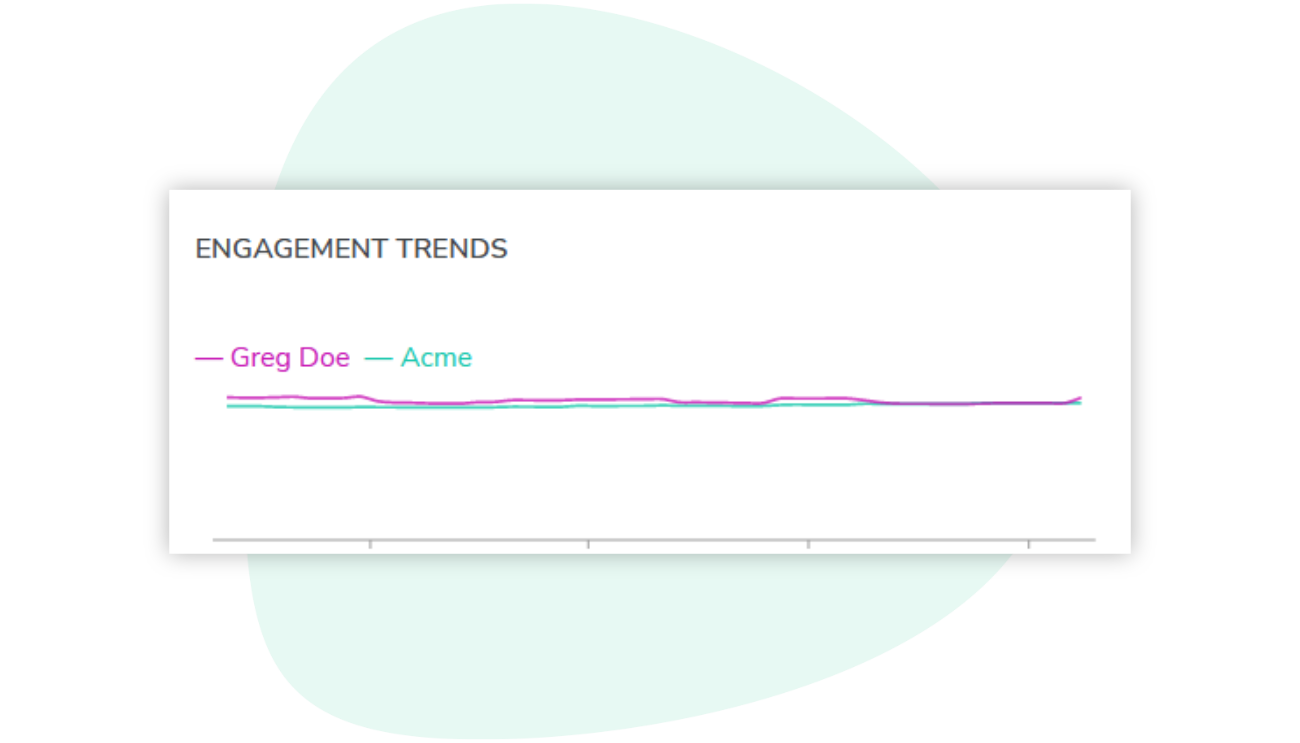
Follow each school's scores from September to June, and compare two periods, such as the fall and the spring.
One school, or every school?
The heatmap shows your schools, or your job categories, on every engagement driver. A dip at one school is easy to tell from a concern shared by all your daycare educators.
An AI summary sorts a school's comments into themes, such as workload or class sizes. It appears only for groups with enough commenters.

Every employee can answer
Use one channel or combine them, so people with and without a work email can all take part.
A personal link in their inbox. No password to remember.
Text message
A survey link by SMS, opened on their phone.
Kiosk or QR code
A shared tablet on site, or a printed QR code they scan with their phone. They enter their employee number to answer.
A survey your teams can trust
ISO/IEC 27001 certified
An independent certification body audits our information security management system.
Anonymous by design
No result appears for a group below your anonymity minimum, 5 respondents by default. Its answers still count in the larger groups above it.
Privacy laws
Sparkbay complies with Quebec's Act to modernize legislative provisions as regards the protection of personal information (Law 25) and the General Data Protection Regulation (GDPR).
13 languages
Employees answer the survey in their own language.
Frequently asked questions
When is the best time to survey school staff?
Pick weeks with fewer deadlines, such as after the back-to-school rush and away from report cards and exams. You set the frequency, launch date and send hour, and can pause a recurring survey for exams or the summer break.
What if our support staff never check their email?
They can answer by text message, if their mobile number is on file, or at a kiosk with their employee number: a shared tablet in the staff room, or a posted QR code scanned with their own phone. The code stays valid between surveys.
Can principals see their own school's results?
Yes. Give each principal access to their school's results, by hand or from your org chart. They can then build the school's action plans and ask staff for ideas in a focus group. HR administrators see every school. You decide whether principals can also read comments.
How is anonymity protected in a small school?
A school with fewer respondents than your anonymity minimum, 5 by default, shows no result of its own, and its comments are not shown either. Its answers still count in the larger groups it belongs to, such as your whole organization.
How do we reassure school unions about the survey?
Show them that scores and comments are reported by group, never by name, and that turnover risk is given per team, not per person. The shared tablet in the staff room never shows anyone's earlier answers. Our security page details how the data is protected.