
Retail employee surveys built for the sales floor
No work email needed: associates scan a QR code pinned beside the weekly schedule, use a back-room tablet or open a link sent by text. Head office compares stores, districts and regions, and each store manager can see where to start.
See in action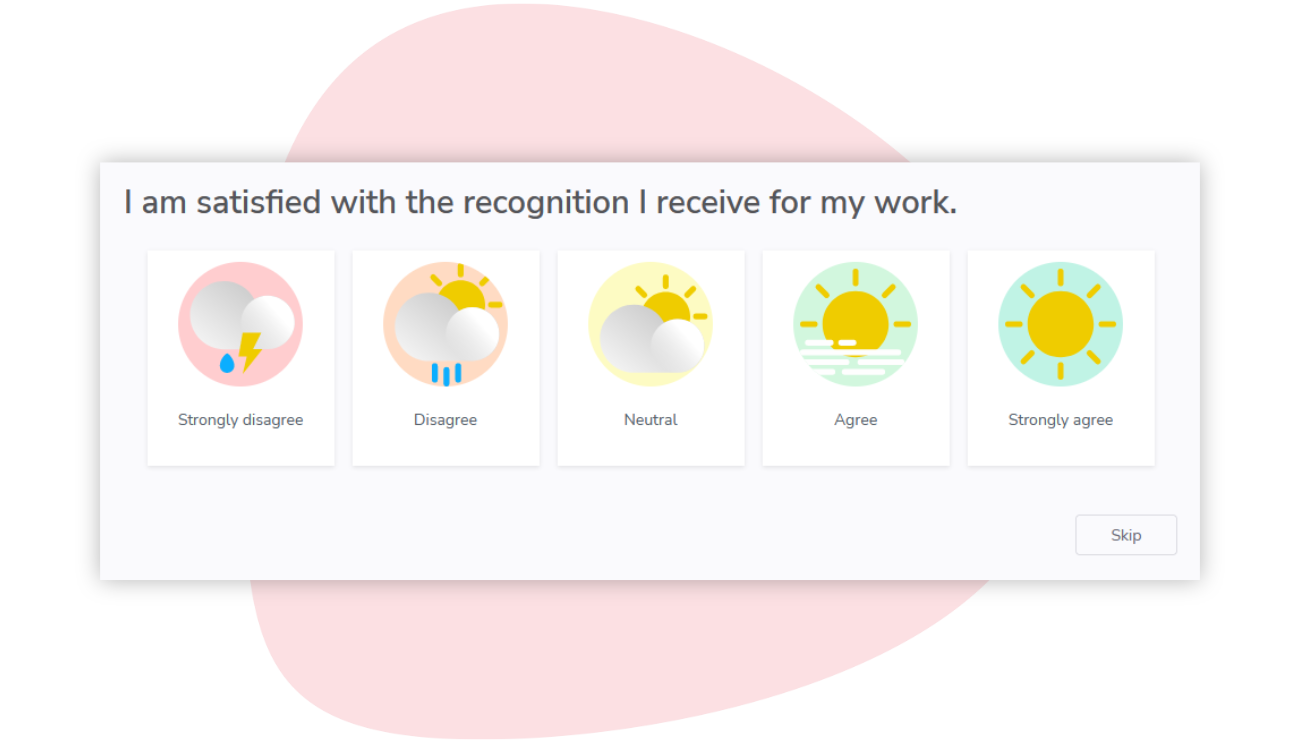
Every store reports its sales, not its morale
Your associates work across many stores, on schedules that change every week, and some stay for a single season.
No inbox on the sales floor
Few associates have a company email address or a computer of their own. A survey sent to work inboxes reaches head office and store managers, then stops.
Peak seasons, changing teams
Back-to-school and the holidays bring waves of part-time and seasonal hires. Many are gone by January, and a once-a-year survey misses most of them.
Store managers stretched thin
Store managers juggle schedules, deliveries and customers while replacing the people who leave. They need a short list of what to fix in their store, not a long report.
How Sparkbay helps retailers
Short pulse surveys, sent every few weeks instead of once a year, give each wave of seasonal hires a say. You decide who sees what: head office the whole network, district managers their stores, store managers their own team.
Know how every store is doing
Track each store's morale the way you track its sales: participation, driver scores and a weekly turnover risk in one heatmap. Struggling stores show up before the holidays.
Before a store visit, read an AI summary of what its associates wrote, sorted into themes, each point traced to its source comments. It appears only for groups with enough commenters.

A short list, not a long report
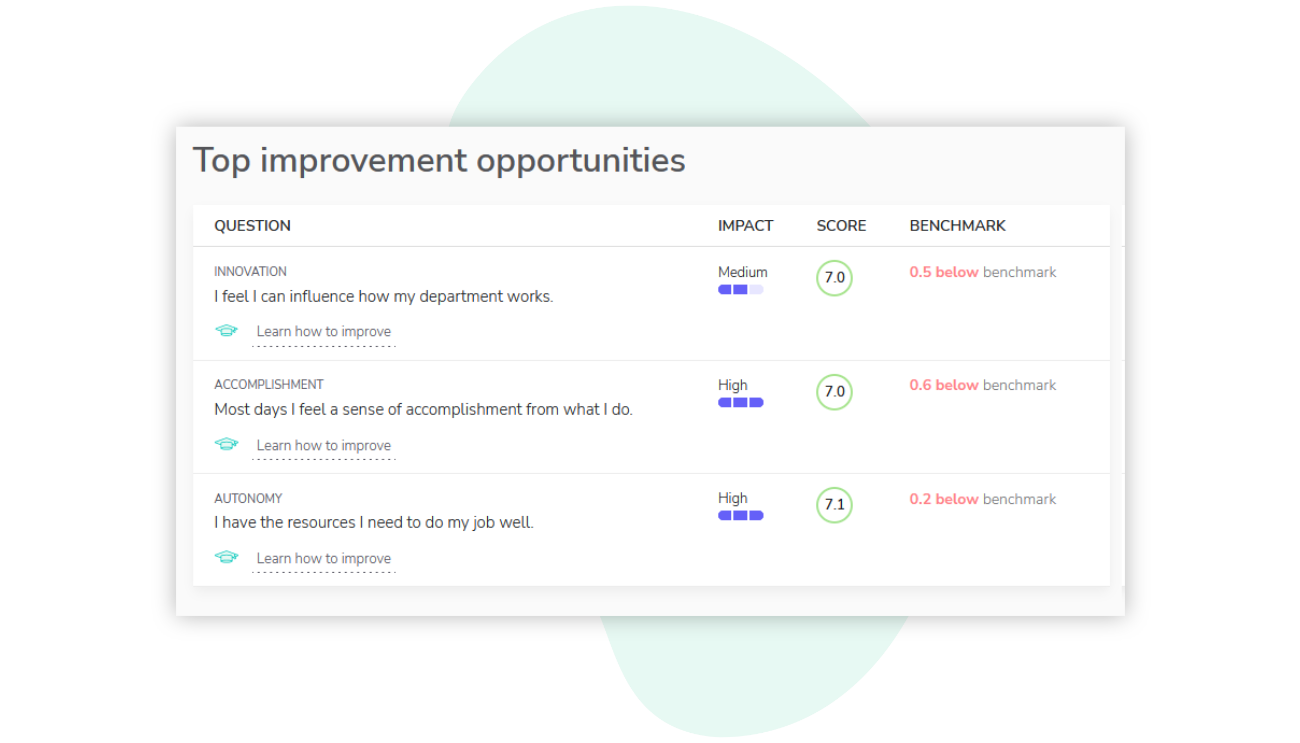
A store's short list shows its lowest-scoring questions, no more than three, each with suggestions. Its manager can build an action plan from it, with a due date on every action.
In a focus group, a manager can ask the store's team how to share weekend shifts fairly. Associates propose ideas with no names attached, and votes rank them.
Every employee can answer
Use one channel or combine them, so people with and without a work email can all take part.
A personal link in their inbox. No password to remember.
Text message
A survey link by SMS, opened on their phone.
Kiosk or QR code
A shared tablet on site, or a printed QR code they scan with their phone. They enter their employee number to answer.
A survey your teams can trust
ISO/IEC 27001 certified
An independent certification body audits our information security management system.
Anonymous by design
No result appears for a group below your anonymity minimum, 5 respondents by default. Its answers still count in the larger groups above it.
Privacy laws
Sparkbay complies with Quebec's Act to modernize legislative provisions as regards the protection of personal information (Law 25) and the General Data Protection Regulation (GDPR).
13 languages
Employees answer the survey in their own language.
Frequently asked questions
How do associates without a work email answer?
On a shared tablet in the back room, or on their own phone by scanning a printed QR code, then entering their employee number. We can set up a separate code for each store, and it stays valid between surveys. Associates with a mobile number on file can also get the link by text.
With seasonal hires every year, who gets the survey?
Everyone active in your employee list, or chosen groups. Your daily HR system sync, or an updated CSV import, adds seasonal hires and deactivates leavers. New associates with a hire date on file get the onboarding questions once, in a survey they already receive during their first three months.
Are answers anonymous in our smallest stores?
Yes. When fewer associates answer than your anonymity minimum (5 by default, or the number your organization sets), the store shows no results. Their answers are not lost: they count toward the district, the region and the whole company.
What do store and district managers see?
Access can follow the reporting lines in your employee data. A store manager can see their own store's results, and a district manager can see every store in their district, always within your anonymity minimum. Both can also use action plans and focus groups, and you can adjust anyone's access.
Can we compare our stores?
Yes. The heatmap puts your stores side by side on participation, turnover risk and each engagement driver, and exports to Excel. You can also compare two stores driver by driver, or one store across two periods, such as before and after the holidays.