
Engagement surveys that reach energy crews in the field
A text message or an email puts the survey on your technicians' phones, in their own language. You see where your sites and teams stand, without anyone being singled out.
See in action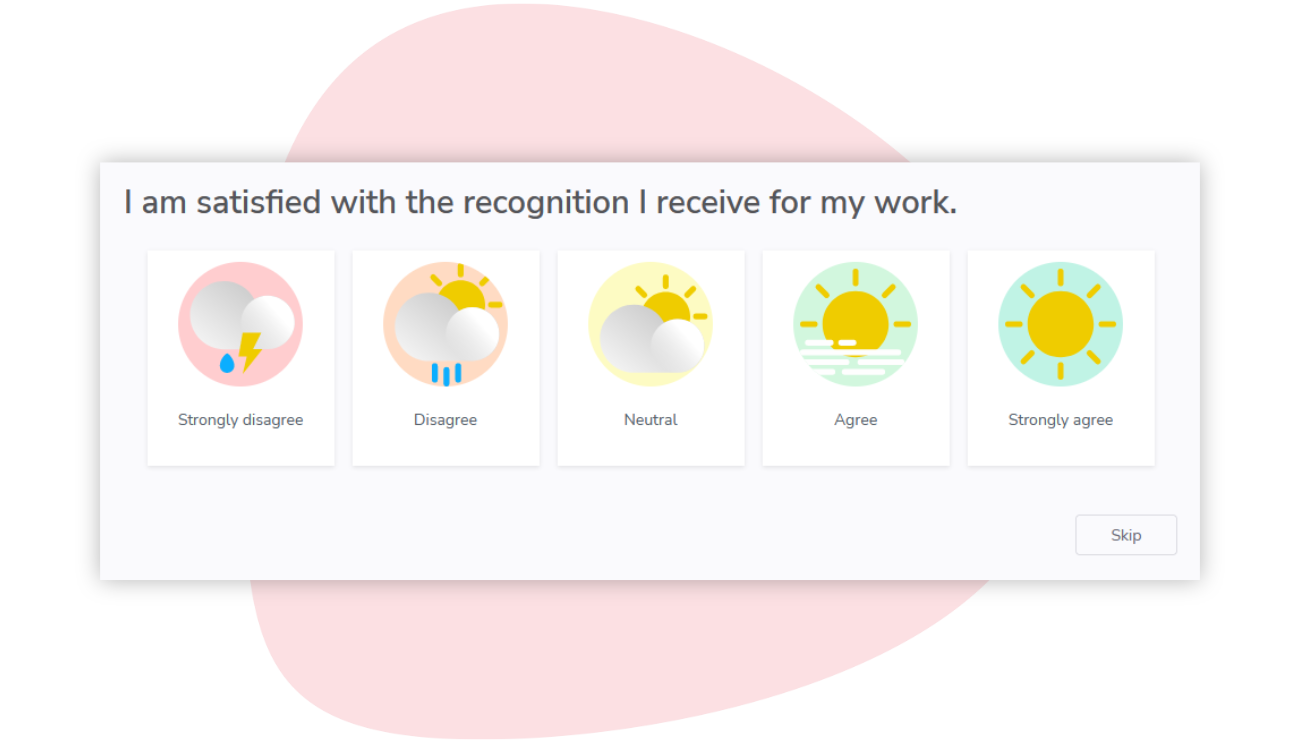
Surveys rarely make it past the site gate
Your teams keep turbines, plants and power lines running, often hours from the nearest office. That makes them some of the hardest people to survey.
Up a tower, out on the line
A wind technician works in a nacelle high above the ground, a line crew from a bucket truck. Their work inbox can go unopened for days.
Rotations and changing crews
On rotation schedules, part of every crew is off site on any given day. Teams also change as a project moves from construction to operations, faster than a yearly survey can follow.
Many languages, safety-critical work
Projects bring together engineers and technicians from several countries, on work where safety depends on people speaking up. A question read in a second language, or answered without trust, tells you little.
How Sparkbay helps energy and utility teams
Sparkbay surveys every site as often as your rotation cycle calls for, in each person's language, and brings the answers back into one set of results.
Compare sites, crews and head office
Wind farm or hydro plant, field crews or head office: pick any two groups, and Sparkbay shows the drivers and questions where they differ most.
Comments written in Spanish, French or English feed one AI summary, organized by theme, each point citing its source comments. It appears only for groups with enough commenters.

Spot the crews you could lose
Experienced technicians are hard to replace. Every week, the heatmap gives a new turnover risk reading for each site and crew large enough to stay anonymous.
Once a month, HR gets an email naming the groups at elevated risk, never individuals, so the next site visit goes where it matters.

Every employee can answer
Use one channel or combine them, so people with and without a work email can all take part.
A personal link in their inbox. No password to remember.
Text message
A survey link by SMS, opened on their phone.
Kiosk or QR code
A shared tablet on site, or a printed QR code they scan with their phone. They enter their employee number to answer.
A survey your teams can trust
ISO/IEC 27001 certified
An independent certification body audits our information security management system.
Anonymous by design
No result appears for a group below your anonymity minimum, 5 respondents by default. Its answers still count in the larger groups above it.
Privacy laws
Sparkbay complies with Quebec's Act to modernize legislative provisions as regards the protection of personal information (Law 25) and the General Data Protection Regulation (GDPR).
13 languages
Employees answer the survey in their own language.
Frequently asked questions
How do technicians on remote sites answer the survey?
On their phone. Each person gets a personal link by text message or email, with no password. Up to three reminders go to those who have not answered. A shared tablet on site can also serve as a kiosk, where people enter their employee number.
Can each person answer in their own language?
Yes. Each employee answers in their own language, among those your organization offers (up to 13): English, French (Canada and France), Spanish, Portuguese (Portugal and Brazil), Italian, German, Dutch, Hindi, Thai, Chinese and Japanese. All answers count together, whatever the language.
Can a crew of three technicians be singled out?
No. A crew's results appear only once at least 5 people have answered, or the minimum your organization sets instead. Below that, the crew shows no score and no comments, yet its answers still weigh in the results of its site and its region.
Do site managers get their own crews' results?
They can: access is yours to grant, and it can follow your org chart. A wind farm or plant manager then sees the results and action plans of the crews they lead, for each group that meets your anonymity minimum. HR administrators get the full picture across sites.
Can Sparkbay use the sites in our HR system?
Yes. Each wind farm, plant or service center in your HR system can have its own results, and a daily sync keeps track of who works where. Sparkbay connects to SAP SuccessFactors, Workday, Ceridian Dayforce, BambooHR and the other HR systems on our integrations page. CSV imports work too.