
See what each stage of the employee lifecycle needs
One overall score mixes a new hire's first weeks with a colleague's tenth year. Sparkbay reads your regular survey answers by career stage, from the first months to the year before someone leaves, without a single extra survey.
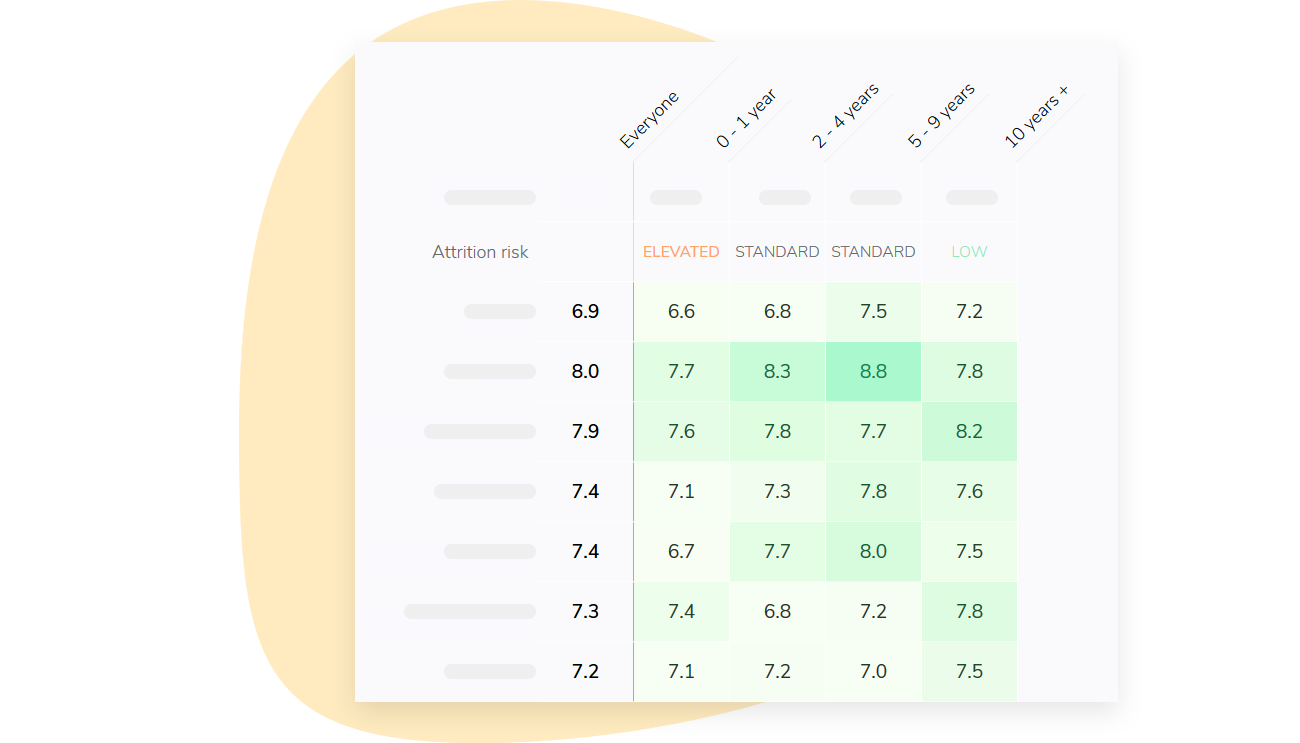
Four stages, read from the surveys you already run
Spot the stage where engagement slips
Onboarding covers a new hire's first 3 months, Growing runs from 3 to 24 months, and Established comes after. Leaving draws on what people who left said in their last year.
Each answer from the past year counts in the stage the person was in when they gave it. The overview puts all four side by side.
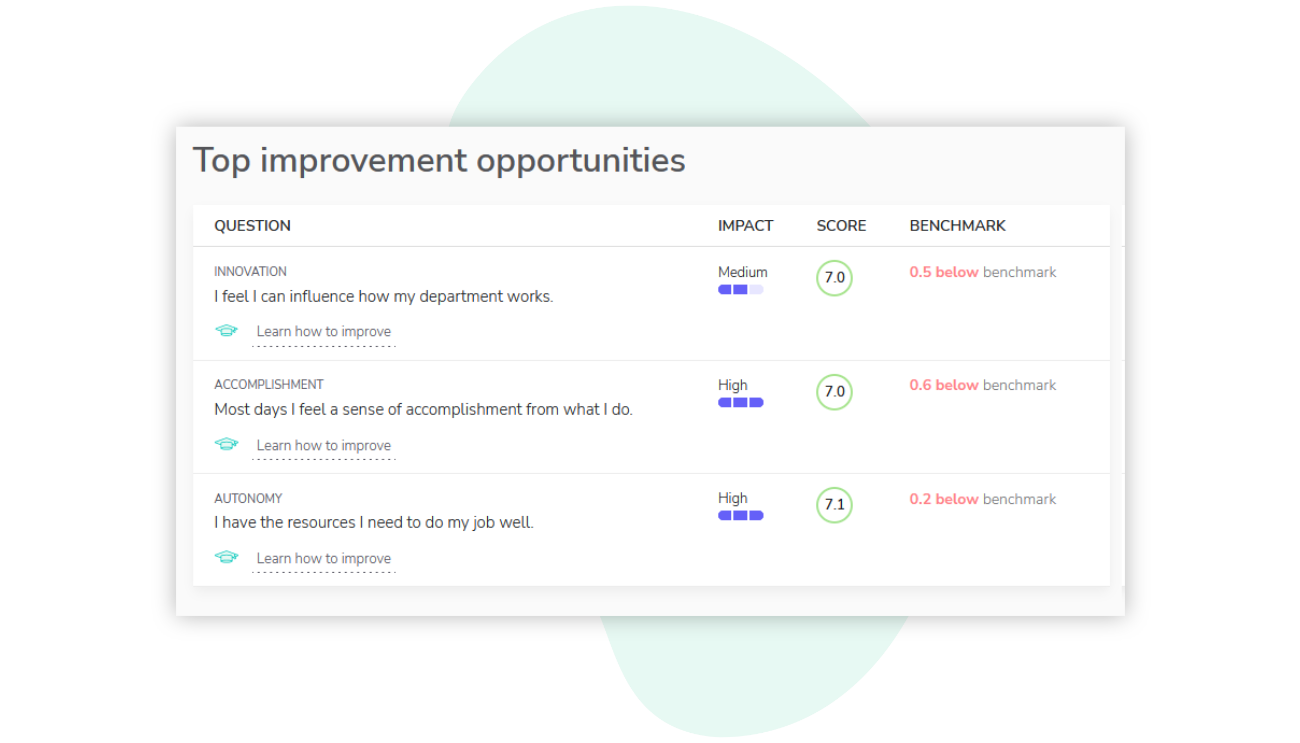
Hear from new hires without an extra survey
During their first 3 months, new hires find the onboarding questions at the start of a survey they were getting anyway. Answered or skipped, the questions do not come back.
You see whether new hires feel welcomed, equipped and clear about their role, and what to fix before habits set.
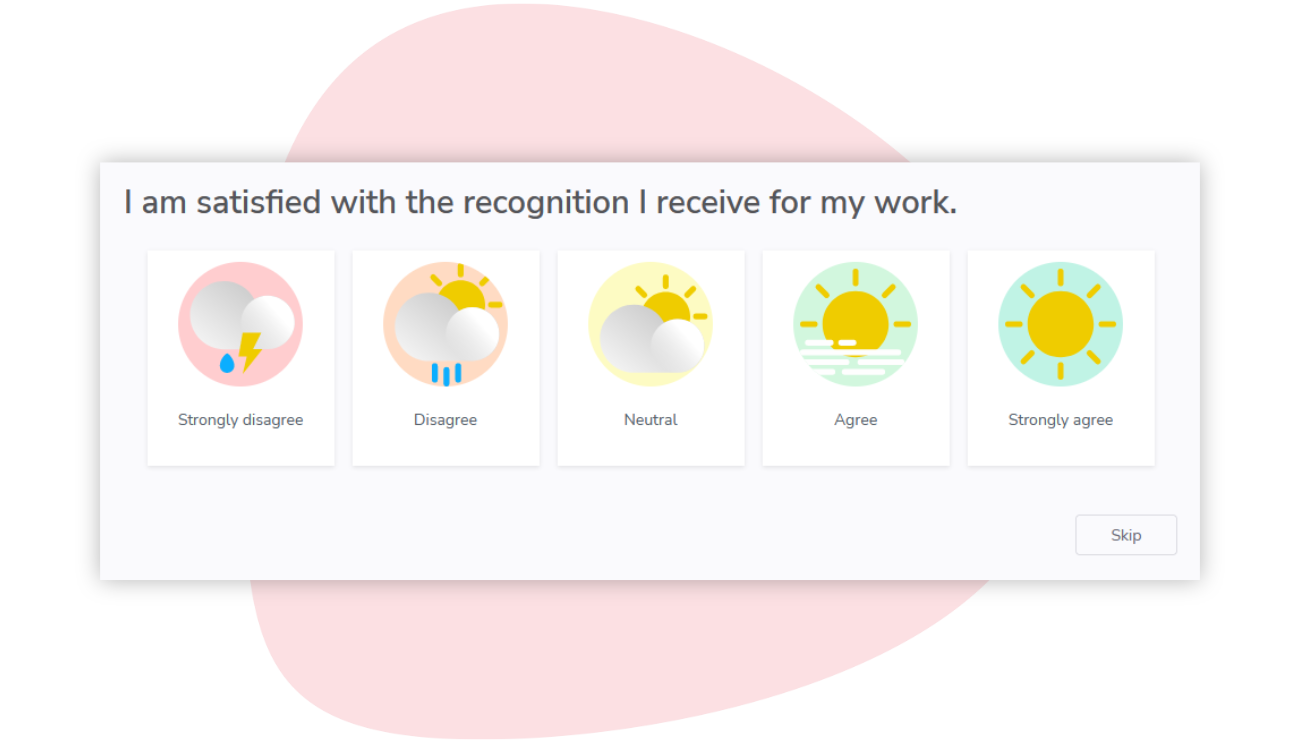
Learn what weighed on the people who left
Nobody is surveyed after leaving. The departure report looks back at what leavers said in your surveys during their last 12 months, next to the answers of those who stayed.
The report shows which drivers mattered most and which scores fell in the months before departure, for all leavers or one former team.

Inside the lifecycle report
A page for every stage
The Onboarding, Growing and Established pages show their score, strengths, drivers that need work, up to three improvement opportunities and an AI summary of comments by theme. It appears only for groups with enough commenters.
Engagement by tenure
One curve follows engagement, or satisfaction if that is what you measure, from the first month to 10 years or more, against your organization's score. The tenure where it rises or dips stands out.
By segment, always anonymous
Read the stages for one department, location or other segment. No result appears for a group below your anonymity minimum (5 respondents by default), and the report never says who answered what.
We needed a quick and easy way to collect team members' feedback around the world (28 countries). Sparkbay allows us to quickly understand the bigger picture and target where to work on to have the most impact.


Frequently asked questions
What is an employee lifecycle survey?
It measures how people experience each stage of their time with an organization, from their first months to the year before they leave. Sparkbay needs no separate survey: it reads your regular survey answers by the stage each person was in at the time.
Do new hires get an extra survey?
No. When someone in their first 3 months receives one of your regular surveys, Sparkbay adds the onboarding questions at the start of it. Once they answer or skip them, the questions do not come back. There is nothing to set up.
Do you run exit surveys?
No. Nobody is surveyed after leaving. The departure report compares what leavers said in your regular surveys during their last 12 months with the answers of people who stayed. Learning from what people said while still employed avoids the bias of exit interviews.
What data does the lifecycle report need?
Hire dates. Sparkbay works out each person's stage from their hire date, which comes from your HRIS integration or an employee import. A departure is recorded when someone is deactivated, whether through your HRIS sync, an import or by hand.
Who sees the lifecycle report?
Your HR administrators, and power users with organization-wide access unless you say otherwise. Results are shown for groups only: a stage, segment or driver with fewer respondents than your anonymity minimum, 5 by default, shows no number.