Imagine this.
You’re a store manager and you’ve just pinned up a new safety notice by the break room door.
By the end of the day, the only people who’ve read it are the closing team. The morning team didn’t see it, the colleague who covers another store didn’t even receive it, and one worker hasn’t clocked in all week.
The simple solution would be to send that notice to everyone’s mobile devices.
But that introduces other complications. Maybe the agency worker wasn’t provisioned properly. Maybe the push notification was sent at 11pm.
Maybe the worker who needed that notification most is sharing a device with three other colleagues.
In this article, we’re going to walk through the key factors you need to evaluate before and after purchasing an employee engagement app for frontline workers.
Here’s what you need in an employee engagement app to reach deskless and frontline workers through mobile surveys, languages, access without email and adoption
Does your frontline communication app also consider desk workers?
In most organisations, communication is measured by output metrics like number of posts published, emails sent, or intranet page views.
But when an incident review asks whether the team was informed, the answer "It was on the intranet" doesn’t hold water.
It’s understandably difficult to identify these frontline gaps before launching your app or after an incident occurs.
Agency and contingent workers usually aren’t included in the HRIS feed that allows employees to access your app. It takes effort to create and own a secondary feed from the agency or vendor management system. And even then, agency rosters can change within a week - so who manages this secondary feed and how often it’s refreshed are important questions to ask in your RFP.
Staff who work in your float-pool or as cross-site cover receive messages meant for their home location, because the location field in the HRIS system stores the employee’s home cost centre, not the location to which they’ve been rostered this week.
Employees returning from long-term leaves of absence (e.g. maternity leave, medical leave) aren’t given a chance to access communications published during their absence.
Microsoft’s research on the frontline work environment found that a sizable share of frontline workers said they didn’t feel heard when they raised issues in the workplace.
If your app allows users to raise issues on the spot, but a designated owner doesn’t respond or a response deadline isn’t set, users will quickly feel even more unheard.
But there’s another less obvious impact of these data coverage issues.
Suppose your day shift staff - who have company issued phones - can access your employee engagement survey, but your night shift agency staff can’t. Your frontline engagement survey results are only representative of a subset of your frontline workers.
So that glowing frontline worker score in your board pack is really only a score for the subset of frontline workers who had access to the survey. And the ones who didn’t access the survey potentially have the most interesting insights to share.
No email? logins, provisioning and offboarding
In demo mode, it’s easy to test and access a product using an admin account with a working email. But how do you think about the real-world challenges of frontline workers?
Consider this scenario: It’s 3am and a night-shift worker can’t remember his password.
In many organizations and products, workers must have a corporate email account to reset their password. Many frontline workers don’t have a corporate email account.
In addition, their supervisors may not have the appropriate admin rights to reset their access.
When evaluating a product, ask the vendor to walk you through a password reset or recovery process for a frontline worker with no company email address.
How will they do this? Walk you through the steps and highlight any possible issues you can’t directly detect, such as the involvement of an IT ticket.
Most vendors will provide options such as signing in via a phone number, an employee ID, or even a QR code sent at the time of onboarding.
Each of these options presents unique challenges you need to understand. What happens if the phone number is used for login but the worker changes their number (which happens frequently in hourly workforces)?
How is this verified? How do they regain system access?
Similarly, ask about provisioning lag. How soon after an employee’s record is created within the HRIS can they access the platform?
If there’s a lag of three days, it means they can’t use the app for the first three days of their job - exactly when onboarding content and safety pre-briefings are critical.
Similarly, what about the off boarding process? If workers have access to the system from their personal phone, how can you ensure their access is revoked the same day their employee record is deleted from the HRIS?
While the Pew Research Center reports that smartphone ownership is widespread in many markets, many frontline workers share devices or do not want work apps on a personal phone.
To avoid these issues, decide on your device policy before you launch.
Transform your communication style from a corporate megaphone to a two-way conversation
Target your messages based on your HRIS data.
For example, if you don’t have updated information on your employees’ "location" or "shift" (e.g., floaters, transfer employees, seasonal employees) you may send a targeted message to the wrong employee or you may not send a message to the intended, targeted audience.
When you’re delivering critical messages, consider asking questions or sending a prompt that requires users to acknowledge they’ve received it as opposed to simply counting the number of views.
Of course, this is only one step towards ensuring your employees understand important changes.
To ensure your team learns of critical changes, especially critical safety changes, provide a way for managers to acknowledge that they held a team huddle.
Make it easy for employees to answer back to you
Make sure your employees can easily answer back to you. For instance, include a "report a problem" feature or a current pulse survey available for completion on the home screen of your platform or app.
Anonymous employee feedback is extremely important, especially in situations when the manager may not be a positive part of the work environment.
That said, be mindful that anonymous feedback may pose challenges at small sites. Even if a user inputs anonymous free text comments in the system, a comment such as "I’m the only forklift driver on nights" may make them identifiable, regardless of the system’s anonymity settings. So be mindful while managing employee expectations.
Make sure the time window to complete the survey considers employees’ shift patterns.
If your workforce’s shifts are rotated so that it takes a couple of weeks to cycle through nights and weekend shifts, then keeping a pulse survey open for only five working days will systematically lose responses from some crews. Aim to keep the survey open for at least a full shift rotation.
Before you enable employees to respond to you via chat or manager messaging, agree on what will be communicated through that channel and what the expected response times are.
For instance, if your office is located in a different time zone than your employees, set up quiet hours for your employees based on their shift location, not your home office’s time zone. You don’t want a manager to send a message at 10 pm that becomes an expectation for an employee to respond, creating off-the-clock work and potentially a pay claim.
And if you work in a unionised environment, check whether a change in how you communicate with employees affects your union agreements. It’s better to discover that a new employee communication channel program is problematic before it’s launched because a union rep raises an issue, instead of after.
When you post corporate "you said, we did" responses, keep in mind that your site counterparts may not connect those corporate responses to the site level. So that they see the connection, consider creating site-specific follow-ups to that corporate-level communication.
Often, it’s better to inform your teams that a certain change is not possible, along with the reasons why, than to not say anything at all. Your frontline teams will generally take a "no" better than radio silence. If they see several feedback cycles with no visible response, this will impact your next frontline response rate.
How you can hear from your frontline teams using Sparkbay
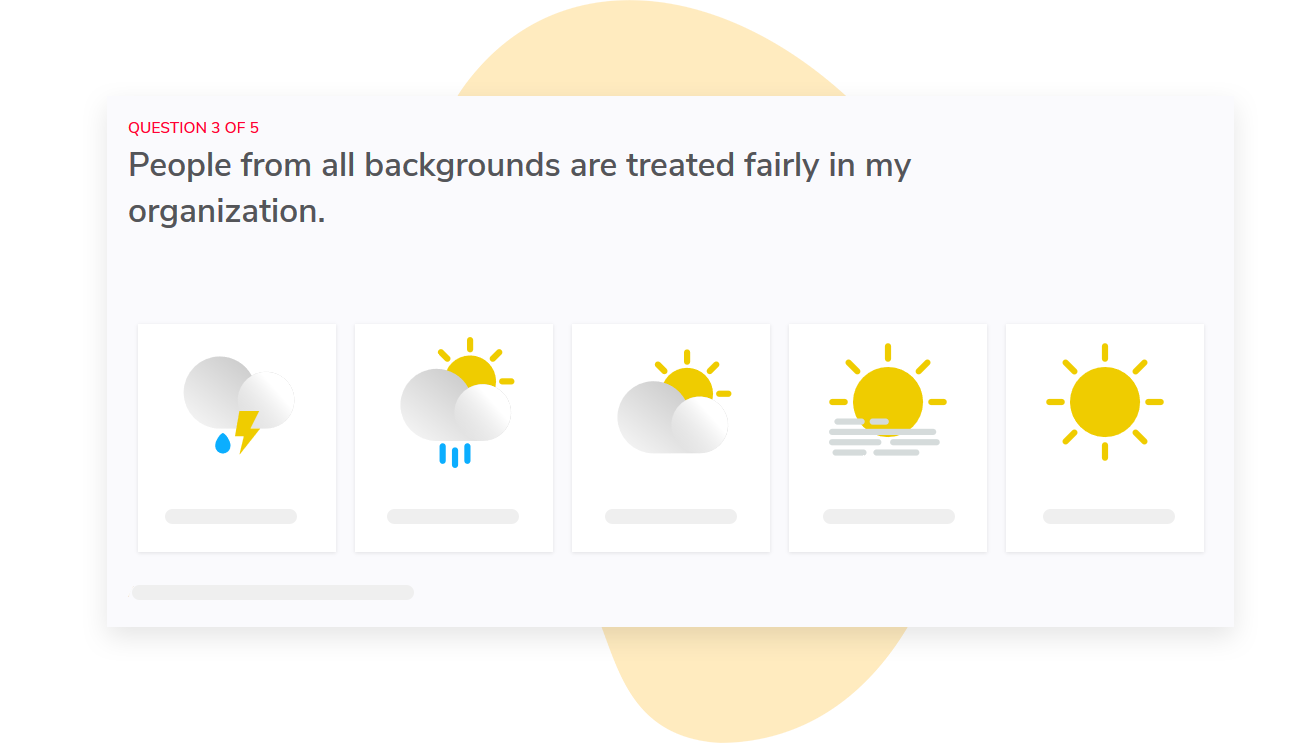
If your employees only have three minutes to spare on a break, they won’t have time to complete a survey geared towards office employees. With Sparkbay, you can customize survey questions to accommodate this limitation.
For example, you can tailor survey questions in order to ask your sites questions related to shift handovers or missing supplies instead of distributing a generic, desk-bound survey to all your sites.
Sparkbay gathers all your survey results and helps you understand your overall score (out of 10) for engagement.
To make your surveys more actionable for site managers, Sparkbay allows you to change the wording displayed on the dashboard so site managers see the words they would usually use.
Suppose your company average score is fine, but you have one site where people continuously raise the same issue. Sparkbay allows you to easily compare survey results between different groups so you can prioritise your follow-ups based on recurring problems.
Sparkbay automatically maps report access to your organisational hierarchy, so each manager only sees results for their teams.
If a site manager changes, Sparkbay automatically updates access, so no one has to manually change access lists.
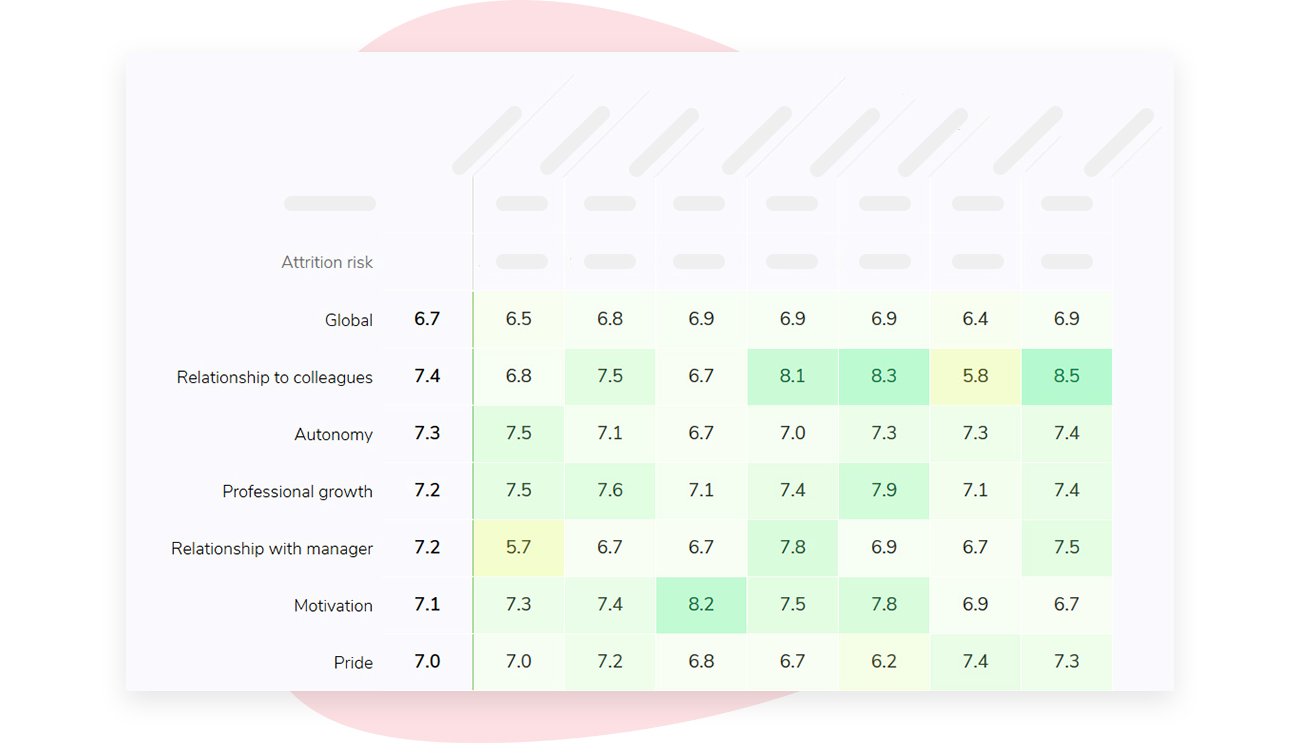
In the case of small teams, Sparkbay will not display survey results if the number of responses is below the minimum threshold (the default is 5 responses, but you can change it).
You might want to increase this minimum threshold for very small sites or groups (e.g., solo shifts) where just a few responses could reveal the identity of the respondents.
If you’re interested in learning how Sparkbay can help you build a more engaged workforce, you can click here for a demo.
Bad wi-fi, busy hands and multiple languages
What happens if a worker receives a notification when they’re at the far end of the warehouse, inside a cold store, or in a stockroom in the basement?
What if they’re using a shared device that has an older operating system and a weak signal or no signal at all? What if the connection cuts out in the middle of sending out your survey?
Identify which safety documents workers will need access to while offline. Then, ensure they can access these documents by downloading them onto a real device and testing them in a real dead spot.
If your app allows workers to complete responses offline and upload them once they’re online, ask your vendor what metadata will be captured and stored alongside worker responses. If all responses have the same time and location stamp, a manager may be able to identify who a worker is based on where and when that batch of responses was sent. This could compromise worker anonymity even if no names are viewed.
While machine translation may suffice for routine news updates, it’s worth using human translation for safety instructions.
In some industries, malpractice issues could arise from poorly translated procedures.
Even if you send translated notifications, your workers may find reading text uncomfortable no matter the language. It might be preferable to receive concise audio or video files.
Finally, keep in mind that workers may share devices. You don’t want someone to receive notifications in a different language just because the last user forgot to switch the device back to the original language setting.
How does accessibility fit in?
Did you know that the World Health Organization reports 16% of people worldwide live with a significant disability?
Keep this in mind when designing your app. Test it out on the devices your frontline workers use to see how it handles text scaling, screen reader support, or contrast issues in bright or dark settings. Also, test that main tasks can be completed without sound (in case you’re on a noisy floor) or without touch (in case you have gloves on).
Don’t confuse downloads with adoption
The numbers you collect in the first week after launching an app are flattering, but it’s the numbers you collect six weeks in that tell you whether your app has truly caught on.
Before you announce anything, check in with your frontline managers. Have they downloaded the app? Have they tried out the most common functionalities?
Have they spent time during their shift walking their team through the app? If workers have unanswered questions when they first use the app, they’ll stop asking questions and label it as "head office’s thing" - a negative reputation that can take years to shake off.
Measure both reach and results
Measure how many workers are using the app by tracking the number of weekly active users by site and by shift. Measure the acknowledgement rate of critical notices sent to workers without a corporate email. Track survey response rates for your frontline workers versus your desk-based groups, and flag any sites where there’s a sharp drop in responses.
Then, crunch some business outcome numbers such as retention rates among workers within their first year and time to productivity for new hires.
Keep in mind that this is all correlation, not causation. You’re not trying to prove that your app is the reason retention rates improve. There are far bigger factors at play like staffing levels, pay, and the quality of local management.
Be mindful when evaluating vendor case studies that claim otherwise.
Finally, have conversations with a few people who have stopped using the app. You’ll hear things like "I couldn’t log in", "My feed is full of news that isn’t relevant to me", or "I sent a request and didn’t hear back." These are all issues you can work on - whether it’s a problem with provisioning, targeting, or ownership.
Before renewing your contract with your app vendor, ask three site managers what they’d miss if their app disappeared tomorrow. If they mention managing critical tasks for their shift or signing safety documents, you know the app has integrated into their work.
If you’re interested in learning how Sparkbay can help you build a more engaged workforce, you can click here for a demo.